
2000s Filter — Digital Camera Photo Effect
Turn a modern photo into an early digital camera shot — faded colors, soft focus, grain and a direct flash. Free, in your browser, no app.
Free · No sign up · No watermark · Your photo never leaves your device
Drag & drop, paste, or browse — JPG, PNG, WebP, up to 10 MB.
Processed on your device — your photo never leaves your browser. No watermark. Downloads up to 4096 pixels on the longest side, depending on your device.
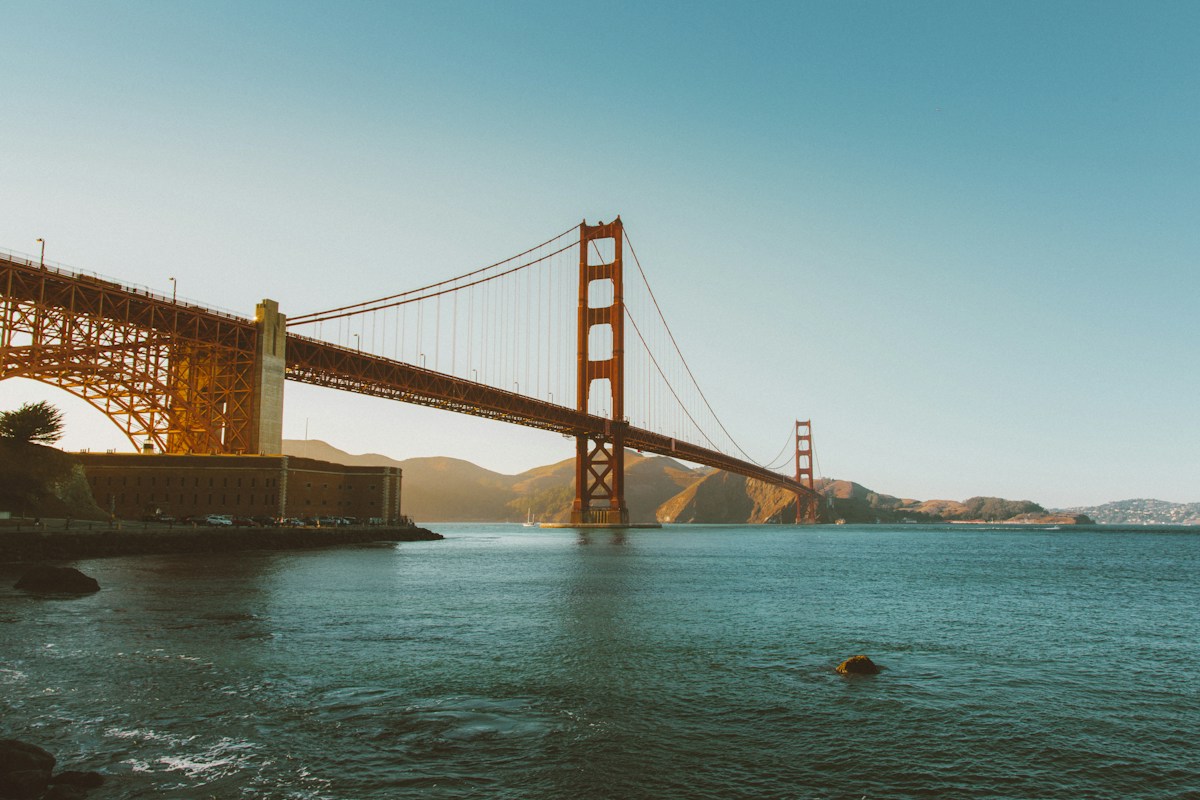
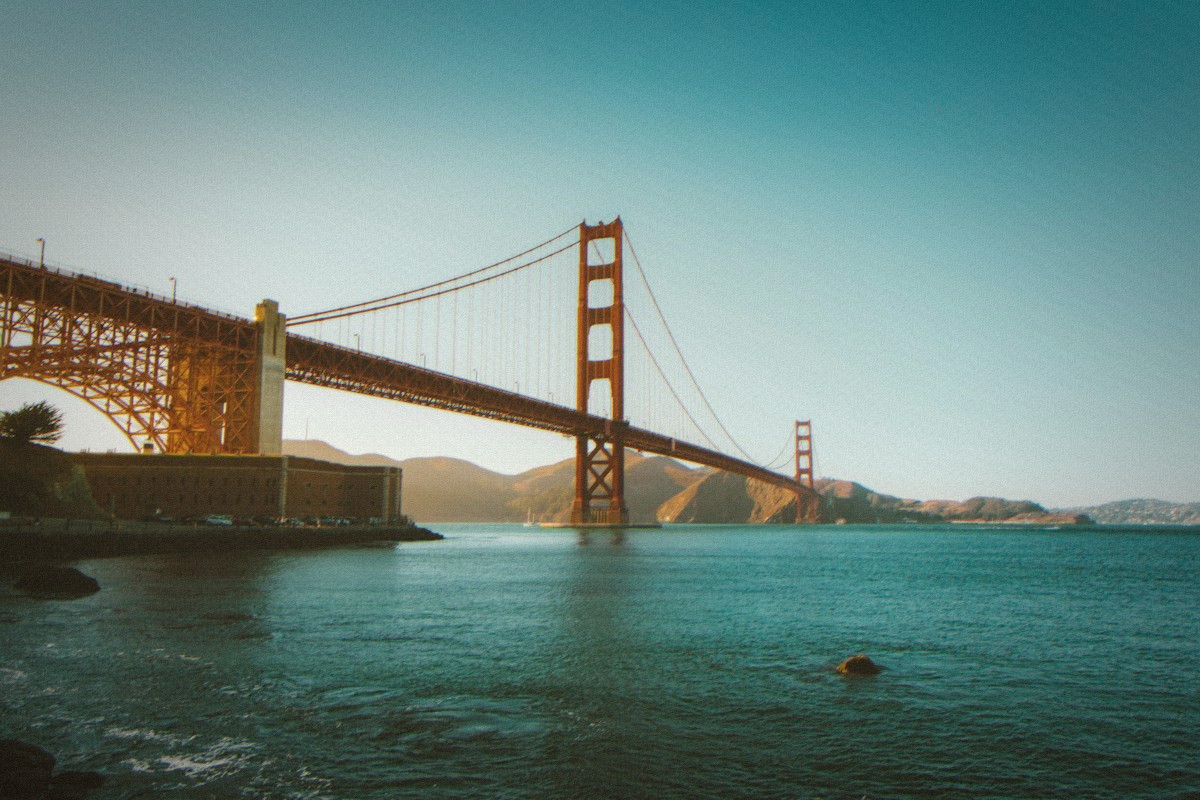
Sample scene rendered with the Classic strength — drag the slider to compare.
How it works
- 1
Upload
JPG, PNG or WebP, up to 10 MB. Portraits and indoor shots work best.
- 2
Pick the intensity
Light, Classic or Heavy — one tap, no sliders to learn.
- 3
Download
JPG or PNG, up to 4096 pixels on the longest side. No watermark.
What the filter actually changes
Faded contrast curve
Shadows are lifted and highlights pulled back — the washed-out, low-contrast look of an early CCD sensor.
Color shift
A slight cyan-green cast, like the unreliable white balance of a 2000s point-and-shoot.
Film grain
Monochrome grain that grows with the intensity you pick.
Chromatic aberration
A thin RGB fringe along edges, straight from a cheap compact lens.
Vignette + direct flash
Dark corners frame the shot, and an optional hard flash gives party-snapshot energy.
What Is a 2000s Filter?
A 2000s filter is a set of pixel-level changes that make a modern phone photo feel like it came off an early digital camera. Colors fade, contrast softens, a little grain settles over everything, and the edges of the frame fall into a gentle vignette. It is the look of CCD sensors, built-in flash and screens smaller than a postage stamp — an aesthetic the Y2K revival has dragged back into fashion. The charm is the imperfection: photos that look slightly wrong in exactly the right way.
Digicam Filter: That Early Digital Camera Look
People call this look by many names — digicam filter, CCD filter, early-2000s camera. They all point at the same thing: the soft, slightly gray, flash-heavy photos that compact digital cameras produced before smartphone processing got smart. This filter recreates the tone and texture with color, grain and vignette. Downloads keep the original dimensions up to 4096 pixels on the longest side, or a lower limit supported by your device. Your original file stays unchanged.
Instant, and Nothing Uploaded
The whole filter runs inside your browser with WebGL. Your photo is never uploaded to a server, never queued behind other users, and never waits for an email. You tap, it renders, you download — that is the entire loop. It is one of the browser-based looks in our free photo filter collection, built to work the same on iPhone, Android and desktop.
Frequently asked questions
Is this 2000s filter free?
Do I need to sign up or install an app?
Can I control how strong the effect is?
What photo works best?
Does it upload my photo?
How long does it take?
Can I use the result on Instagram or TikTok?
Is a 2000s filter the same as a Y2K filter?
Try more effects: Y2K filter